Ever found yourself scrolling through emojis, wishing there was one that expressed your exact mood? Sometimes a simple smiley just doesn’t cut it you might want something that’s a little happy, a little tired, and maybe just a touch of sarcasm. That’s exactly where emoji kitchen google comes in.
Created by Google, Emoji Kitchen lets you combine two emojis to create a brand-new one a fun mashup that’s more expressive and personal. Whether you want to show “laughing but stressed,” “in love but sleepy,” or “crying while smiling,” this tool helps you say it all with style. It’s creative, free, and incredibly easy to use.
What Is Emoji Kitchen?
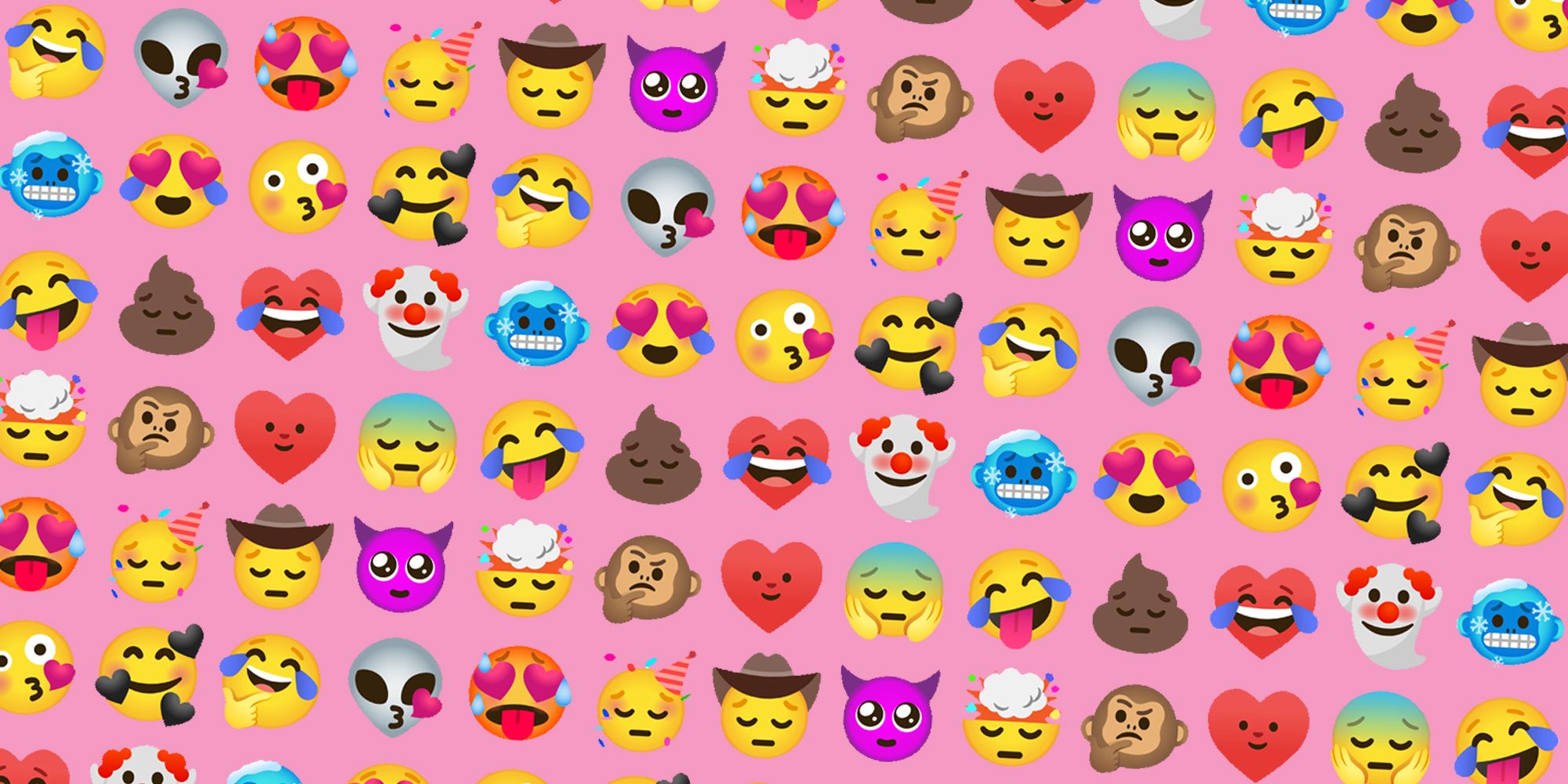
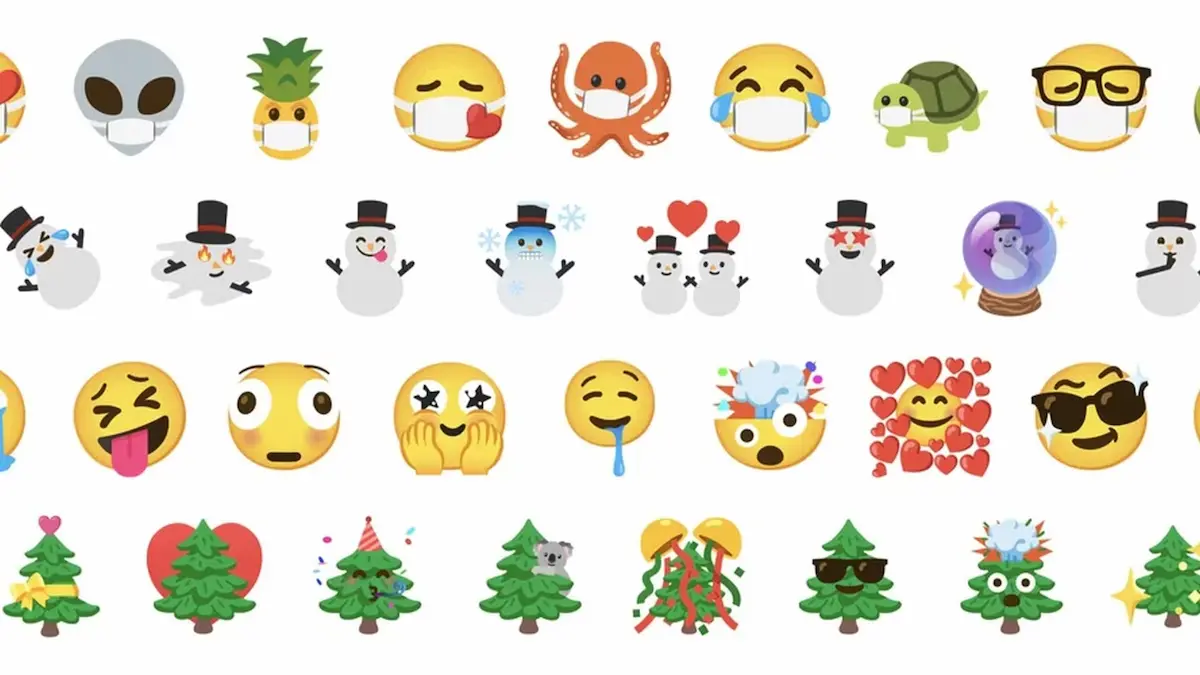
Launched by Google in 2020, Emoji Kitchen is a feature built into Gboard, Google’s default Android keyboard. It allows users to blend two existing emojis into a single sticker — often with hilarious or surprisingly accurate emotional combinations.
The goal is to make digital communication more expressive. Instead of relying on the limited emoji set that comes with your phone, you can create your own personalized stickers that reflect real-life emotions and reactions.
For example:
- Mix 😂 (face with tears of joy) with 💀 (skull) to express “I’m dead from laughter.”
- Combine 😍 (heart eyes) with 🤖 (robot) for “tech love.”
- Try 💩 (poop) + 👑 (crown) for something royally funny.
When you pick two emojis, Gboard uses Google’s emoji mixing engine to generate a unique combination in sticker form. These stickers appear above your keyboard, ready to send instantly. You can use them on WhatsApp, Instagram, Telegram, Twitter, and even email.
Emoji Kitchen on Google Keyboard
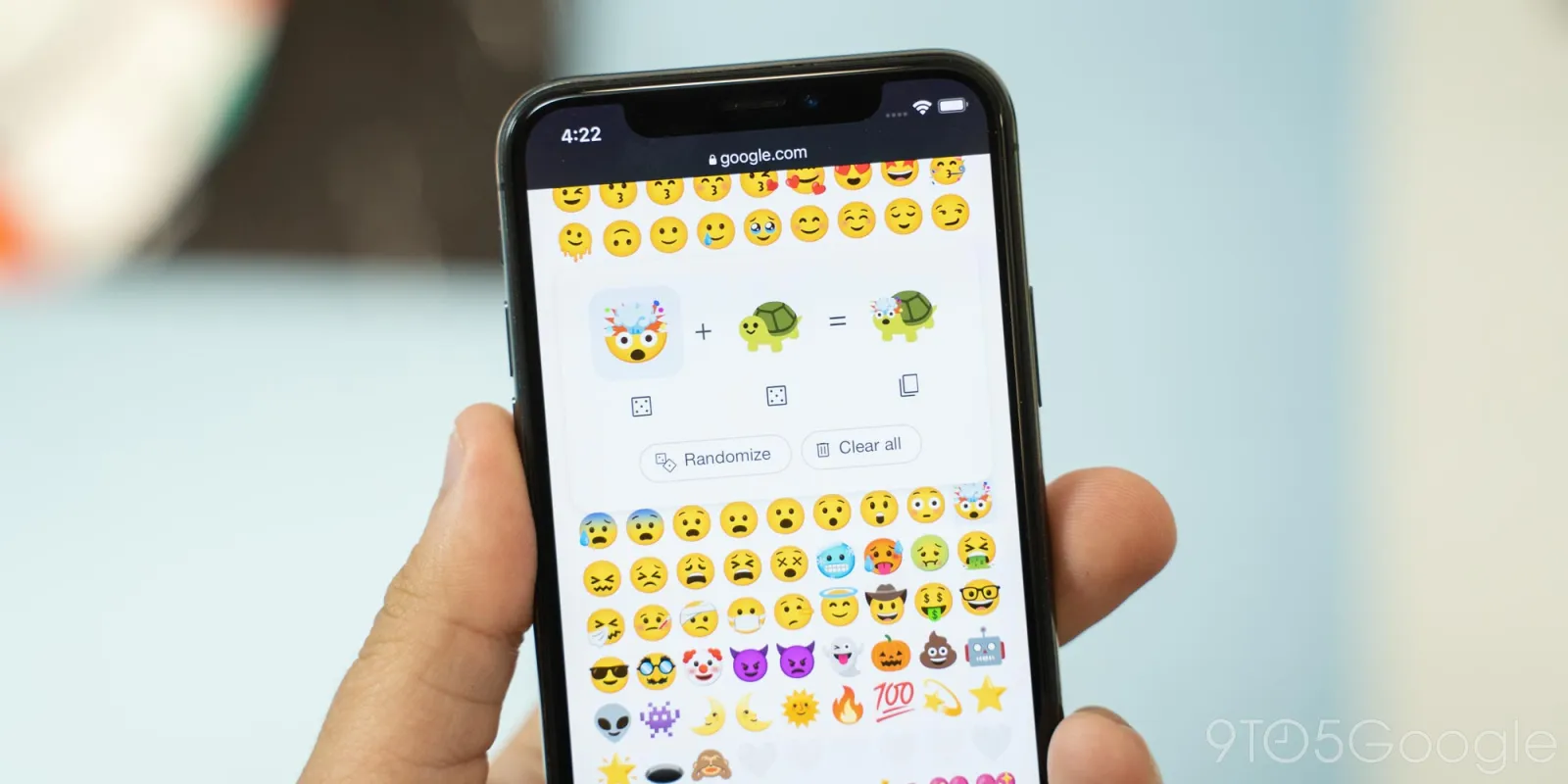
The emoji kitchen google keyboard is the heart of this feature. You don’t need to download any special app it’s built right into Gboard.
How to Access It
- Open your chat app (like WhatsApp or Telegram).
- Tap the emoji icon on your Gboard.
- Choose one emoji — for example, 😎.
- Tap another — say, 🤩.
- Instantly, Emoji Kitchen will show multiple mashup options above your keyboard.
Tap your favorite combo, and it sends as a sticker.
Gboard now includes thousands of emoji pairing options, updated regularly with new designs. During holidays or events, you might notice themed mashups like pumpkins, snowflakes, or hearts appearing automatically.
The best part? It works inside any messaging app that supports image sharing. You can use it to spice up your chats, social media stories, or even digital art projects.
Emoji Kitchen Google Download
Many people search for emoji kitchen google download, but the truth is, there’s no separate app to install. The feature is part of Gboard, which you can easily get or update via the Google Play Store.
Steps to Enable Emoji Kitchen
- Open Play Store and search for Gboard.
- Tap Install or Update.
- Set Gboard as your default keyboard under “Settings → System → Keyboard.”
- Open any chat and start typing emojis Emoji Kitchen will automatically appear.
For iPhone and desktop users, you can still use Emoji Kitchen without Gboard. Just open Google Search in Chrome or Safari, type “emoji kitchen google”, and click on Get Cooking. This web-based version lets you select emojis, mix them, and download your custom stickers.
Emoji Kitchen Google Gboard
The combination of emoji kitchen google gboard is what gives Android users the best emoji experience available. With Gboard, the integration is smooth, fast, and always available when you type.
Every time Google releases a new Android update, more combinations are added. You might even find seasonal themes like:
- 💀 + 🎃 = “Scary Halloween laugh”
- ❤️ + 🐱 = “Love for cats”
- 🌸 + 😊 = “Spring happiness”
The emojis are high-quality, colourful, and appear perfectly in chats. You can also use them across apps from Gmail to Instagram without any formatting issues.
Creative Ways to Use Emoji Kitchen
- Social Media Stories: Add mashups to your Instagram or WhatsApp stories to make them pop.
- Memes: Combine emojis like 💀 + 😂 for memes that everyone relates to.
- Seasonal Greetings: Create festive combinations like 🎄 + ❤️ for Christmas wishes.
- Digital Branding: Some content creators use emoji mashups in their online posts to create a recognizable vibe.
- Mood Boards: Use mashups as part of creative digital collages.
Troubleshooting Common Issues
- Emoji Kitchen Not Appearing:
- Update Gboard from Play Store.
- Check that “Emoji Suggestions” are turned on.
- Make sure your keyboard language supports emojis (English US works best).
- Stickers Not Sending:
Some apps don’t support image stickers. If that happens, long-press and copy the mash-up, then paste it manually. - Certain Combinations Missing:
Not every emoji pairing has a mash-up yet. Google adds new ones regularly, so keep your app updated. - Web Version Not Loading:
If “emoji kitchen google” online isn’t working, try incognito mode or clear your browser cache.
Best Practices for Using Emoji Kitchen Google
To make the most of Emoji Kitchen Google, follow these simple tips for a better and more creative chatting experience. These practices will help you keep your messages fun, clean, and meaningful.
- Use Sparingly: Avoid sending too many mashups in one chat to keep conversations neat and easy to read.
- Keep Gboard Updated: Regular updates bring smoother performance and fresh emoji combinations.
- Save Favorites: Take screenshots of your best creations so you can reuse them later.
- Try Seasonal Emojis: Look out for festive or holiday-themed emojis for a fun twist.
- Use Responsibly: These stickers are meant for personal enjoyment, not for resale or branding.
Wrapping Up
In short, emoji kitchen google is one of the most creative additions to modern texting. It brings fun, emotion, and originality to every conversation. Whether you’re using it through Gboard, your Google keyboard, or the web version, the experience remains equally delightful.
If you haven’t tried it yet, now’s the time. Update your Gboard or search for Emoji Kitchen online and start combining your favorite emojis. Express yourself in ways you never could before — one mash-up at a time.
Frequently Asked Questions (FAQs)
Q1. What is Emoji Kitchen Google used for?
It lets you mix two emojis into a creative mashup, turning ordinary chats into expressive and fun conversations.
Q2. How can I access Emoji Kitchen on Android?
Install or update Gboard from the Play Store, tap an emoji in any chat, and you’ll see mashup suggestions appear above your keyboard.
Q3. Can I use Emoji Kitchen Google on iPhone?
Yes, iPhone users can access it through Google Search by typing “emoji kitchen” and using the web-based version to create emoji mashups.
Q4. Is there an Emoji Kitchen Google download available?
No separate download is needed — it’s already built into Gboard. Just keep your keyboard updated to enjoy all the latest emoji combinations.
Q5. Are Emoji Kitchen mashups available in all apps?
Yes, most messaging apps support Emoji Kitchen stickers since they’re sent as images, making them visible on any device or platform.



Latest Articles
 What Does Igh Mean in Text? Decode This …In Social Media
- What Does GNG Mean in Texting? 2 Meaning…In Social Media
- Buying a Used Car? Your Insurance Quote …In Insurance
- TW Meaning in Chat: Why Is Everyone Usin…In Social Media
- What Does WYFF Mean? Slang Meaning, Text…In Social Media
- Health Insurance Premium Estimator: What…In Insurance
- Gonzay.com: The Complete Guide to Guest …In Digital Marketing
- Roland von Kurnatowski Sr.: Theo Von’s D…In Biography