
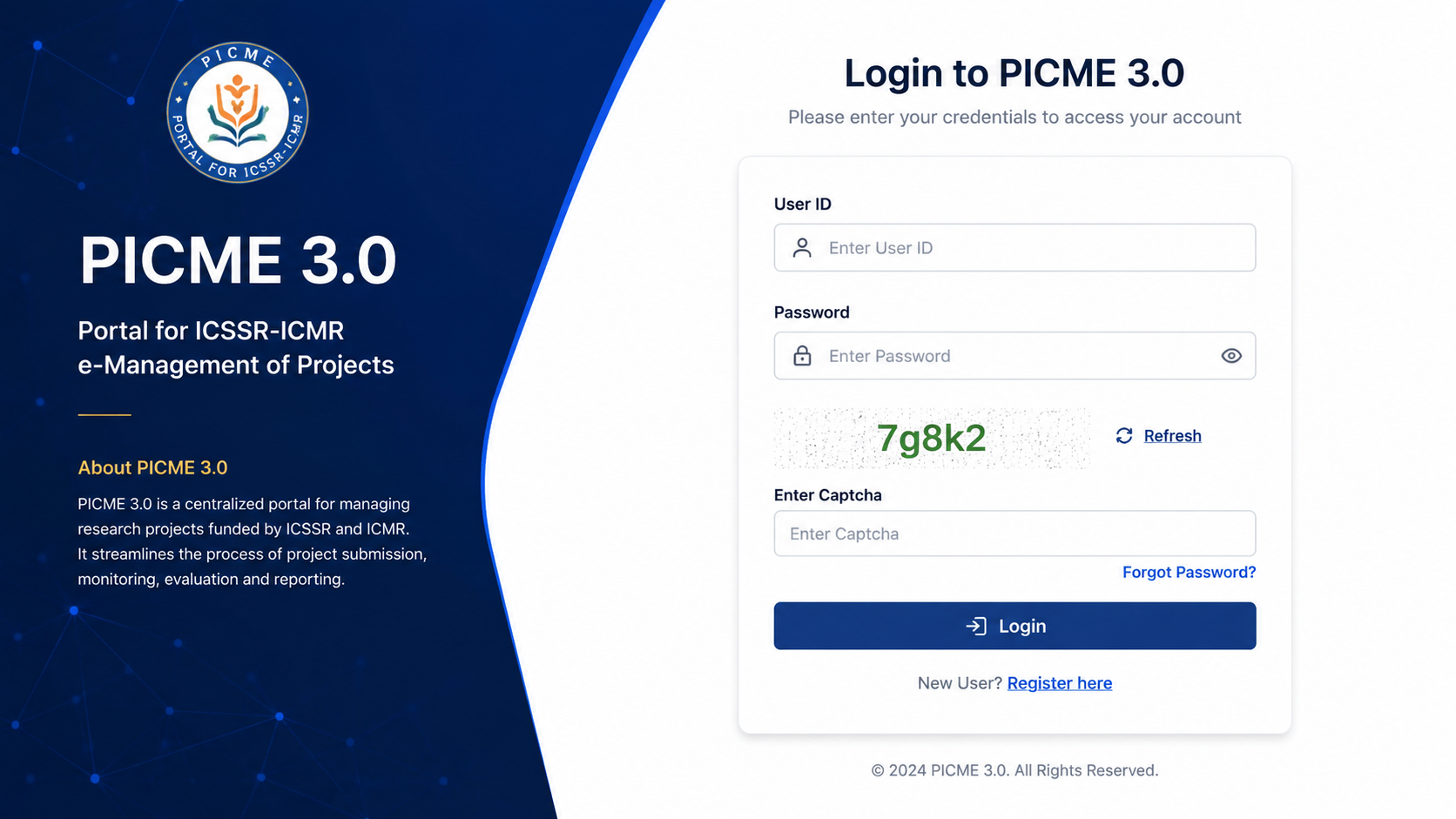
Pregnant and living in Tamil Nadu? Chances are, someone at your hospital or health center has already mentioned “PICME” to you. Maybe your nurse said it in passing. Maybe you saw it on a form and just nodded along. It’s okay if you’re still not totally sure what it means; most people aren’t, at first.
Here’s the simple version: PICME 3.0 is where your pregnancy gets tracked, your maternity benefits get sorted, and your baby’s birth certificate eventually comes from. In this guide, we’ll walk you through the PICME 3.0 login process, step by step, so that you get a clear idea
What is PICME 3.0?
PICME stands for Pregnancy and Infant Cohort Monitoring and Evaluation. That’s a long name, so let’s break it down. It is an online system run by the Tamil Nadu Health Department. Its job is simple: keep track of every pregnant woman’s health, from the day she registers her pregnancy until her baby is born and even after that.
PICME 3.0 is just the newer, upgraded version of this system. The older version (PICME 2.0) worked fine, but it had some problems: slow loading, login issues, and outdated design. PICME 3.0 fixes most of that. It is faster, works better on mobile phones, and is easier to use for both mothers and health workers.
Why You Need to Use PICME 3.0
You might be thinking, is this login really necessary, or just one more form to deal with? It’s a fair question, especially when you’re already juggling doctor visits, hospital bags, and a hundred other things. But here’s the truth: PICME ends up saving you more trouble than it takes to set up.
1. Your entire health history lives in one place.
Every checkup, every scan, every test result gets saved as you go. So instead of carrying around old reports or trying to remember what the doctor said three months ago, it’s all sitting right there whenever you or your doctor needs it.
2.No PICME, no birth certificate.
This is the one that catches a lot of new mothers off guard. Hospitals in Tamil Nadu simply won’t process your baby’s birth certificate without your RCH ID, and that ID only comes through PICME. Skip this step, and you could be stuck running back and forth for paperwork during a time when you’d much rather be resting with your newborn.
3. It’s your ticket to the ₹18,000 maternity benefit.
The Dr. Muthulakshmi Reddy Maternity Benefit Scheme exists to support pregnant women financially, but the money doesn’t come automatically. Your PICME registration has to be completed first — no registration means no payment, no matter how eligible you are otherwise.
4. It watches out for high-risk pregnancies.
If anything about your pregnancy needs closer attention, the system quietly flags it in the background. That way, your doctor and nurse know to check on you more often, and small issues get caught before they become bigger problems.
Put simply, PICME isn’t just a website you’re told to log into. It’s the thread connecting you to proper medical care, financial support, and the documents your baby will need from day one.
What You’ll Need Before You Register
Before you sit down to register, keep these documents ready. It will save you time.
- Aadhaar card (for the mother)
- Address proof — voter ID, ration card, or driving licence
- A working mobile number
- Proof of pregnancy (a doctor’s note or scan report)
- Husband’s Aadhaar card, if available
- Marriage certificate (in some cases)
If you already have children, keep their birth certificates handy too. Some centers ask for this.
How to Do PICME Registration
There are a few ways to get registered. Pick whichever works best for you.
Option 1: Through Your Local Nurse
This is the most common way. A Village Health Nurse (VHN) or Urban Health Nurse (UHN) visits your area regularly. She will:
- Meet you at the nearest Health Sub-Centre or come to your home
- Confirm your pregnancy and collect your basic details
- Enter your information into the PICME system
- Generate your RCH ID
- Send you a confirmation SMS with your ID
This method needs no internet skills from you at all. The nurse handles the technical part.
Option 2: Register Yourself Online
If you’d rather not wait for a nurse visit, you can start the process yourself.
- Go to the official PICME website: picme3.tn.gov.in
- Click on “Pre-Registration”
- Fill in the form — your name, expected delivery date, address, and mobile number
- Submit the form
- You’ll get an SMS with a Pre-Registration ID
Keep in mind — this is only a pre-registration. A nurse still needs to visit you in person to confirm everything and issue your final RCH ID.
Option 3: Call the 102 Helpline
Don’t have good internet access? No problem. Just dial 102, the toll-free helpline. An agent will note down your basic details over the phone and start your application for you.
How to do the PICME 3.0 Login
Once your RCH ID is finally in hand, the PICME 3.0 login process is refreshingly simple — nowhere near as complicated as filling out the registration form. It takes barely a minute once you know where to click. Here’s the full walkthrough:
Step 1: Head to the official website.
Open picme3.tn.gov.in on your phone or your computer, whichever is closer at the moment. The site works reasonably well on both, though a stable internet connection helps it load faster.
Step 2: Tap “Login.”
You’ll spot this button sitting right at the top of the page, usually in the corner. It’s hard to miss.
Step 3: Enter your User ID.
This is your 12-digit RCH ID — the number your nurse gave you or the one that arrived by SMS. If your RCH ID hasn’t come through yet, don’t worry. You can use your Pre-Registration ID in the meantime; it’ll still let you check on your application’s progress.
Step 4: Type in your password.
This is whatever you set when you registered, or whatever password your nurse or health worker handed you at the time.
Step 5: Fill in the captcha carefully.
This is just the string of letters and numbers shown on your screen. Type it exactly as it appears. Captchas are usually case-sensitive, so a small mistake here is one of the most common reasons logins fail.
Step 6: Click the login button.
And that’s it; you’re through to your account. On some versions of the portal, you don’t even need a password. Instead, you can log in using just your mobile number along with a one-time password, or OTP. If you see this option on your screen, here’s how that route works:
- Enter the mobile number that’s registered with your PICME account
- Wait a few seconds for the OTP to arrive by SMS
- Type the OTP into the box provided
- Click submit to continue
Whichever method you end up using password or OTP- you’ll land in the same place: your own personal dashboard, where all your pregnancy-related information is waiting for you.
What You Can Do Once You’re Logged In
Once you’re in PICME 3.0 login, here’s what it lets you do:
- See your registration status. You can quickly check whether the details you or your nurse submitted have gone through and been accepted by the system.
- Look through your medical records. Every checkup, scan, and test result you’ve had gets logged here, so you’re never left digging through old papers to find a report from a few months back.
- Follow your vaccination schedule. This covers vaccines for you during pregnancy, and later, it extends to your baby’s vaccination timeline as well.
- Check on your maternity benefit. You can see exactly where things stand with your ₹18,000 payment under the Dr. Muthulakshmi Reddy Scheme — whether it’s still processing or already been credited.
- Grab your RCH ID slip whenever you need it. This becomes especially important later on, since you’ll need it to apply for your baby’s birth certificate.
- Update your personal details. If you’ve moved house, changed your phone number, or need to correct something, you can handle small updates right from here.
In short, pretty much everything connected to your pregnancy journey sits in one single place, ready for you to check whenever you need to, instead of being scattered across different offices and paperwork.
Using the PICME Mobile App
If typing on a website feels like a hassle, there’s a mobile app too, sometimes called the PICME Parental App. You can find it on the Google Play Store. Once installed, it lets you:
- Track your appointment dates
- Get reminders for checkups and vaccines
- View your RCH ID anytime
- Update your pregnancy progress on the go
It’s a handy option if you’re always on your phone anyway.
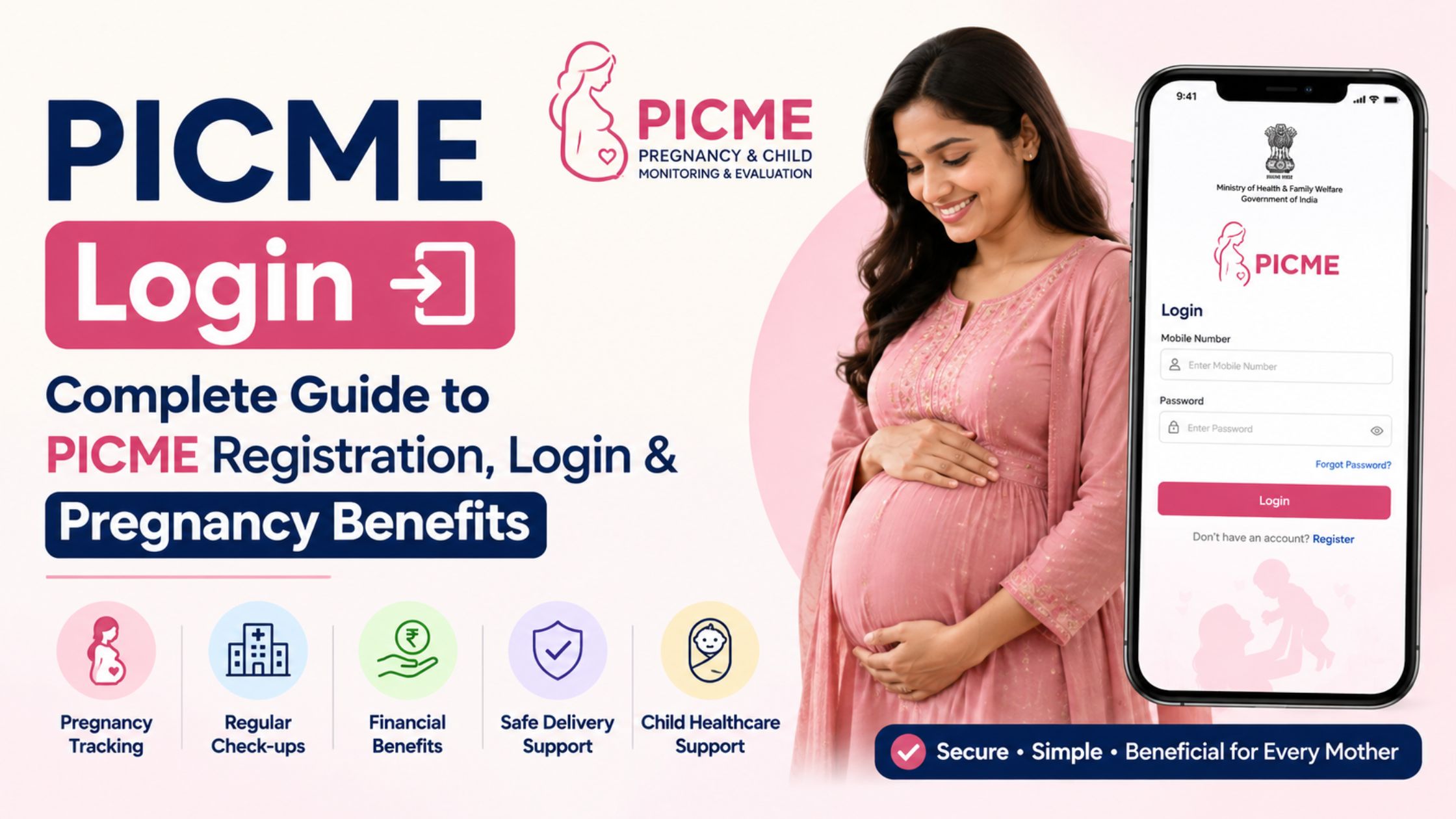
Common PICME 3.0 Login Problems and How to Fix Them
Even with a good system, small hiccups happen. Here’s how to solve the most common PICME 3.0 Login issues:
Forgot your RCH ID or password? Click “Forgot Password” on the login page. Or, contact your Village Health Nurse — she can look it up for you.
Not getting the OTP or SMS? First, double-check that the mobile number on file is correct and active. Wait a few hours, since delays do happen. Still nothing? Call the VHN or the 102 helpline.
Website not loading properly? Check your internet connection first. If that’s fine, try clearing your browser’s cache, or simply switch to a different browser. Government portals can sometimes act up during high-traffic hours, so trying again later also helps.
Captcha keeps failing? Zoom in if the text is hard to read, and type it carefully — captchas are case-sensitive.
Details showing wrong on your dashboard? Don’t try to fix this yourself. Visit your nearest health center or contact your VHN to get it corrected properly.
A Few Simple Tips
- Save your RCH ID somewhere safe the moment you get it — write it down, not just in the SMS.
- Keep your mobile number updated with your health center, since OTPs and alerts depend on it.
- Don’t wait until the last minute to register. Early registration means better tracking of your pregnancy.
- If you’re unsure about any step, your VHN is your best resource. She has done this hundreds of times.
Wrapping Up
PICME 3.0 might sound like just another government website at first. But once you look closer, it’s actually a helpful tool; it keeps your pregnancy records safe, connects you to your nurse and doctor, and makes sure you don’t miss out on the ₹18,000 maternity benefit or your child’s birth certificate.
The picme 3.0 login process itself takes just a couple of minutes once your RCH ID is ready. So if you’re expecting, or helping someone who is, don’t put off the registration. Get your RCH ID, complete your login, and let the system do the tracking for you so you can focus on the more important thing: a healthy pregnancy.
Frequently Asked Questions (FAQs)
Q1. What is PICME 3.0 login?
It’s the updated online portal used by pregnant women and health workers in Tamil Nadu to register pregnancies, track health records, and access maternity benefits.
Q2. How do I log in if I’ve already registered?
Go to picme3.tn.gov.in, enter your RCH ID and password (or use the mobile OTP option), and click login.
Q3. Can I register myself without visiting a nurse?
You can complete the pre-registration part online by yourself. But a nurse still needs to visit in person to confirm your details before your final RCH ID is issued.
Q4. What if I don’t receive my RCH ID by SMS?
Wait a few hours first, since SMS delays are common. If it still doesn’t arrive, contact your Village Health Nurse or call 102.
Q5. Is PICME registration compulsory?
Yes, in practice. You need your RCH ID to get your child’s birth certificate and to access government maternity benefits in Tamil Nadu.
Q6. How much money do I get under the maternity scheme?
Eligible pregnant women can receive ₹18,000 under the Dr. Muthulakshmi Reddy Maternity Benefit Scheme, once registration and verification are complete.
Q7. What documents do I need for registration?
Your Aadhaar card, an address proof, your mobile number, and proof of pregnancy are the basics. Some cases may also need your husband’s Aadhaar or your marriage certificate.




Latest Articles
 How Much Working Capital Do You Need Acc…In Business
- What Does NM Mean in Text Message? Know …In Social Media
- Best Premium Laptops for Productivity &#…In Tech
- What Does ICL Mean in Texting? Meaning, …In Social Media
- What Does Igh Mean in Text? Decode This …In Social Media
- What Does GNG Mean in Texting? 2 Meaning…In Social Media
- Buying a Used Car? Your Insurance Quote …In Insurance
- TW Meaning in Chat: Why Is Everyone Usin…In Social Media