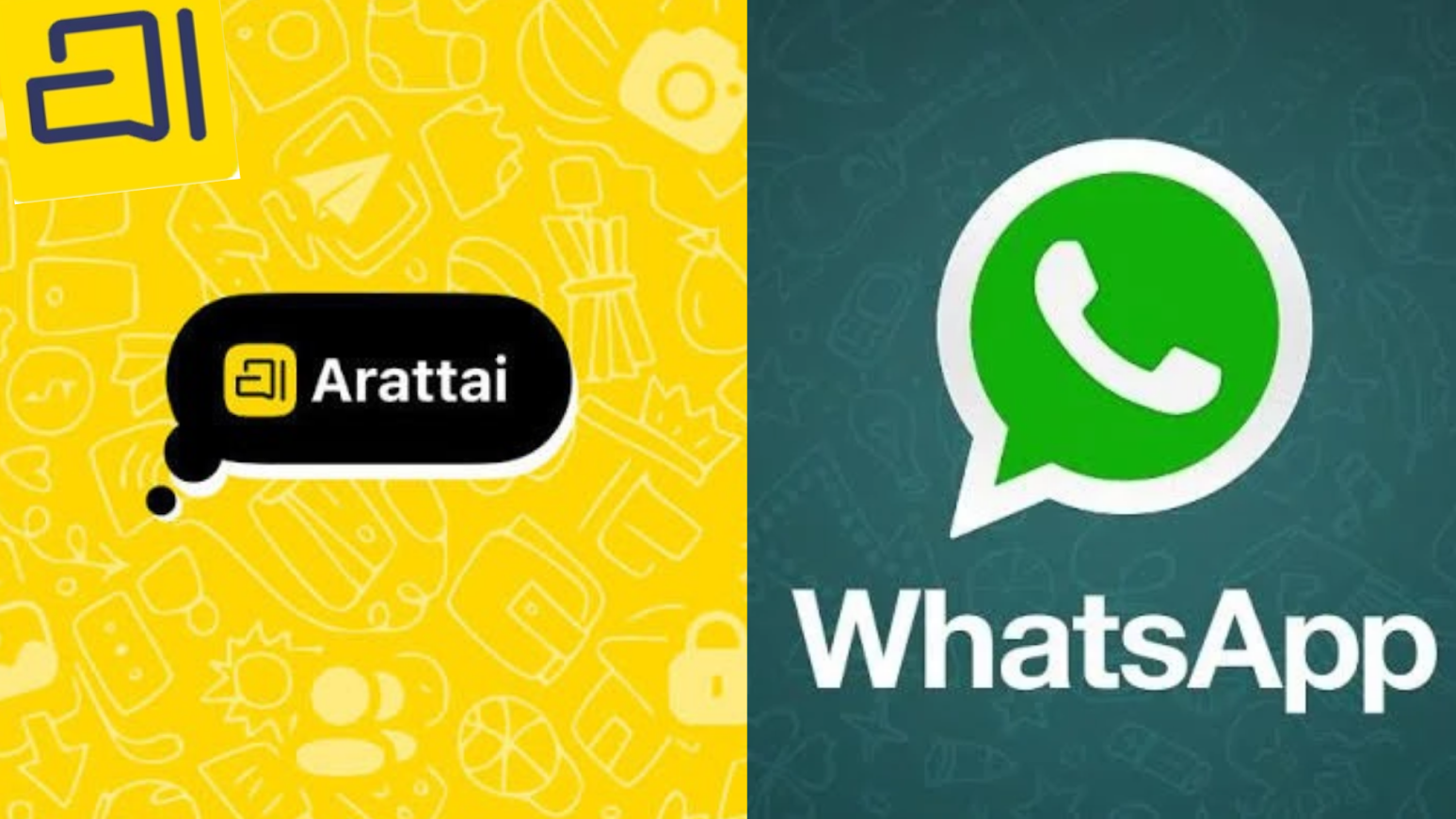
The Arattai App is an Indian messaging application developed by Zoho Corporation. It offers features such as text messaging, voice notes, audio and video calls, group chats, and online meeting tools. Its ad-free approach and Indian origins make it an option for people looking for an alternative to popular messaging platforms.
But what makes Arattai different, and how can you get started? Before downloading it, you may want to understand its main features, login process, privacy practices, and differences from WhatsApp.
This guide explains how Arattai works, how to download and log in to your account, and what to consider before using it for everyday communication.
What Is Arattai App?
The Arattai App is a communication platform developed by Zoho Corporation, an Indian technology company known for its business and productivity software. The word Arattai comes from Tamil and means casual conversation or chat.
The app brings several communication tools together, allowing users to exchange messages, send voice notes, share supported files, make calls, and participate in group conversations. It also offers meeting-related features for people who need additional ways to communicate.
Arattai gives users another choice in a market dominated by established messaging services. However, its usefulness depends on whether your contacts use it, whether its features meet your needs, and whether you are comfortable with its privacy practices.
Key Features of the Arattai App
Arattai includes several tools for personal and professional communication. Here are the main features to know about.
1. Text Messaging and Voice Notes
You can exchange text messages for everyday conversations, quick questions, reminders, and updates. Voice notes offer a convenient alternative when typing isn’t practical.
The app also supports sharing certain media and files. Available formats and file-size limits may vary, so check the current version if you regularly share large documents.
2. Voice and Video Calls
Arattai supports voice and video calls over an internet connection. Voice calls are suitable for quick conversations, while video calls let you communicate face-to-face with friends, relatives, or colleagues.
Call quality depends on your internet connection, device, and the other participant’s network.
3. Group Chats and Channels
Group chats allow several people to communicate in one place. You can use them for family updates, project discussions, event planning, or conversations with friends. Channels provide another way to share announcements and updates with an audience. Their usefulness depends on the features currently available in your version.
4. Stories and Status Updates
Stories and status updates let you share photographs or short updates with contacts, depending on the available features. Before posting personal content, review the audience settings to understand who can view it.
5. Online Meetings and Computer Access
Arattai includes meeting-related tools and offers access options for supported computers. These functions can be useful when you need to communicate while working or participate in online discussions.
Check the official website for current desktop and web-access options, as availability and setup requirements may vary.
How to Download the Arattai App
You can install Arattai through an official app store. Before downloading, verify the app listing, developer details, and device compatibility.
Download Arattai on Android
- Open the Google Play Store.
- Search for Arattai Messenger.
- Check the developer information to confirm that the listing is genuine.
- Tap Install and wait for the download to finish.
- Open the application to begin setting up your account.
Download Arattai on iPhone
- Open the Apple App Store.
- Search for Arattai Messenger.
- Verify the app name and developer details.
- Tap Get to install it.
- Open the app and follow the registration instructions.
Always download the application from an official source rather than an unfamiliar website.
Arattai App Login Guide
Logging in to Arattai is straightforward once you have installed the application. The process generally involves registering or verifying your mobile number.
How to Log In to Arattai on a Mobile Phone
Follow these steps to access your account:
- Open Arattai Messenger on your Android phone or iPhone.
- Enter your mobile number with the correct country code.
- Follow the on-screen instructions to verify your number.
- Enter the verification code if requested.
- Complete any additional verification steps.
- Once verification is complete, access your account and start messaging.
The exact process may vary depending on your device, app version, and account status.
How to Log In to Arattai on a Computer
If you want to use Arattai on a computer, visit its official website and check whether web access or a desktop application is available for your device.
Follow the sign-in instructions provided by the official service. You may need to verify your account or connect your computer to your existing account, depending on the supported login method.
What to Do If Arattai Login Is Not Working
If you cannot access your account, try these troubleshooting steps:
- Check your mobile number: Confirm that the number and country code are correct.
- Check your internet connection: Switch between Wi-Fi and mobile data if necessary.
- Request another verification code: Use this option if available and follow the displayed waiting period.
- Update the app: Install the latest version from the official app store.
- Restart the application: Close it completely and open it again.
Never share your verification code with anyone. If these steps don’t resolve the problem, contact support through Arattai’s official channels.
Is Arattai Free to Use?
Arattai is offered as a free-to-use messaging application. Its core communication features are available without a subscription fee, although internet access is required.
If you use mobile data for messages, file sharing, or calls, your network provider may charge you according to your data plan.
Arattai also promotes an ad-free experience. However, an application can operate without advertisements and still process information needed to provide its services. Review the current privacy policy if you want to understand how your data is handled.
Is Arattai Safe and Secure?
Security is important when a messaging app contains personal conversations, photographs, and work documents. Before sharing sensitive information, review Arattai’s security documentation and privacy settings.
Arattai states that it supports end-to-end encryption for direct chats and calls. This protection is designed to prevent anyone other than the intended participants from accessing encrypted communication.
However, encryption coverage may differ between features. Don’t assume that every backup, stored file, group conversation, or additional tool receives identical protection.
What Information Does Arattai Collect?
Like other messaging services, Arattai may process information needed to operate accounts, deliver messages, and support its features. The precise details depend on its current privacy policy and the functions you use.
Registration requires a mobile number, while calling features may need microphone or camera access. Review the permissions requested by the app and grant access only when needed.
For better account security, download Arattai from an official source, keep it updated, and never share verification codes with untrusted people.
Arattai App vs WhatsApp: Which Is Better?
Arattai and WhatsApp both support everyday communication, but they differ in their user communities and certain features.
| Feature | Arattai | |
| Developer | Zoho Corporation | Meta |
| Text messaging | Yes | Yes |
| Voice notes | Yes | Yes |
| Audio and video calls | Yes | Yes |
| Group chats | Yes | Yes |
| Channels and updates | Supported features vary | Channels and Status are available |
| Meeting tools | Meeting-related features | Calling and group communication |
| Advertising | Promotes an ad-free experience | Policies vary by feature and market |
| End-to-end encryption | Check current feature-specific coverage | Personal messages and calls are encrypted by default |
| User community | Depends on your contacts | Established global user base |
Which App Should You Choose?
WhatsApp may be more convenient if most of your friends, relatives, and colleagues already use it. Its established user community makes everyday communication easier without asking people to install another application.
Arattai may suit users who want to try an Indian-developed messaging service or prefer its communication tools. Its meeting-related features may also be useful for certain personal and professional needs.
Neither service should be judged by its country of origin alone. Compare their privacy policies, encryption coverage, backup options, and available controls before choosing one.
Advantages and Disadvantages of Arattai
Consider both the benefits and limitations before making Arattai your primary messaging app.
Advantages
- Indian-developed platform: Created by Zoho Corporation.
- Multiple communication tools: Supports messages, voice notes, calls, and group conversations.
- Meeting functionality: Offers additional ways to communicate.
- Ad-free approach: Promotes communication without advertising interruptions.
- Privacy controls: Provides settings for managing aspects of your account.
- Computer access: Supported desktop options offer added flexibility.
Disadvantages
- Fewer familiar contacts: People you communicate with may not use the app.
- Switching takes effort: Changing your messaging habits can be inconvenient.
- Feature differences: Available functions may vary by device and app version.
- Security needs verification: Check the protection available for each feature you intend to use.
You can try Arattai with a few contacts before deciding whether it fits your daily routine.
Wrapping Up
The Arattai App is an Indian messaging platform from Zoho Corporation that combines text messaging, voice notes, calls, group chats, and meeting-related tools. Its free-to-use offering and ad-free approach make it an option for people looking for an alternative to established messaging services.
Before making it your main messaging app, consider whether your contacts use it, whether its features meet your needs, and whether its privacy practices match your expectations. Review the latest security information instead of assuming every feature receives identical protection.
If you’re interested in trying Arattai, download it from an official source, complete the login process, and test its main functions with a few contacts. This will help you decide whether it deserves a place in your everyday communication routine.
Frequently Asked Questions (FAQs)
Q1. What is the Arattai App used for?
Arattai is a messaging application for sending text and voice messages, sharing supported files, making calls, and participating in group conversations. It also offers meeting-related features.
Q2. Is Arattai free to download?
Yes, Arattai is offered as a free-to-use application. Internet access and mobile data charges may still apply.
Q3. Is Arattai an Indian app?
Yes. Arattai was developed by Zoho Corporation, an Indian technology company. Its name comes from Tamil and refers to casual conversation.
Q4. How do I log in to Arattai?
Open the app, enter your mobile number with the correct country code, and follow the verification instructions. The exact steps may vary by app version.
Q5. Does Arattai support video calls?
Yes, Arattai supports video calls over the internet. Call quality depends on your connection, device, and the other participant’s network.
Q6. Is Arattai safe for private conversations?
Arattai states that direct chats and calls support end-to-end encryption. Review its current security documentation to understand which features are covered and how stored information is handled.



Latest Articles
 How to set up the electronics on a fishi…In Automotive
- SYFM Meaning Explained: Is This Texting …In Social Media
- How Much Working Capital Do You Need Acc…In Business
- What Does NM Mean in Text Message? Know …In Social Media
- Best Premium Laptops for Productivity &#…In Tech
- What Does ICL Mean in Texting? Meaning, …In Social Media
- What Does Igh Mean in Text? Decode This …In Social Media
- What Does GNG Mean in Texting? 2 Meaning…In Social Media