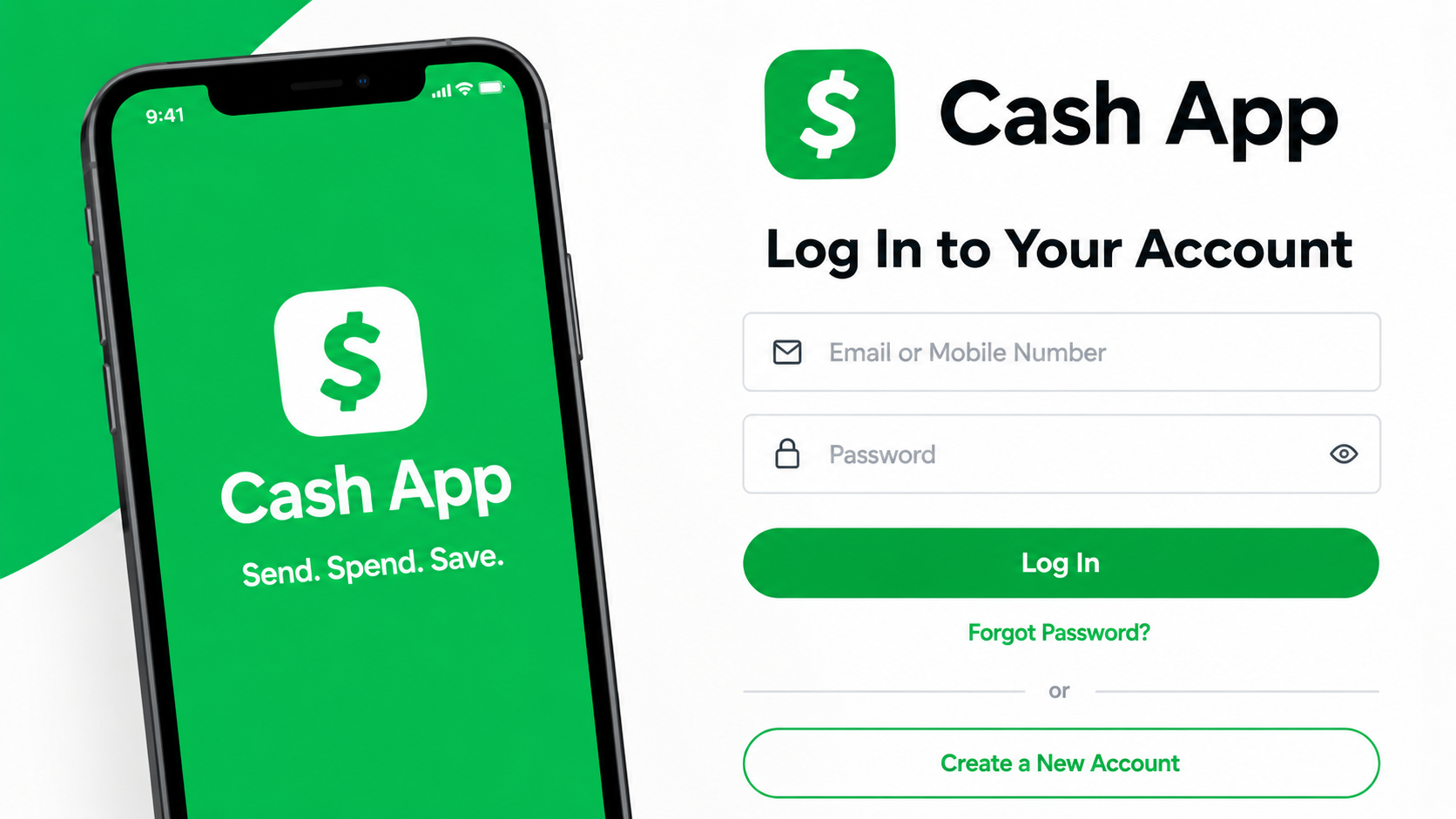
You don’t necessarily need the Cash App mobile app every time you want to access your account. If you’re using a computer, deleted the app, or simply prefer using a browser, Cash App offers web-based services through supported browsers.
The important thing is to understand what browser access can actually do. You may need to verify your identity during sign-in, and the website doesn’t necessarily offer every feature available in the mobile app.
This guide explains Cash App Login Without App, including the login process, browser requirements, device compatibility, common login issues, account recovery, cash withdrawals, and security tips.
Cash App Login Without App: How to Access Your Account
If you don’t have the Cash App app installed, you can try accessing your account through a supported web browser. Cash App Login Without App can be useful when you’re working from a Windows PC or Mac and don’t want to install the mobile application.
Steps to Log Into Cash App Without the App
- Open a supported browser. Use Chrome, Firefox, Safari, or Edge.
- Go to the official Cash App website. Avoid login links from unknown websites, emails, or social media messages.
- Choose the available sign-in option.
- Enter the phone number or email associated with your account when requested.
- Complete the verification step. Cash App may ask you to confirm your identity or enter a verification code.
- Enter the verification code only on the legitimate Cash App website.
- Continue with the sign-in process once your information has been verified.
The exact login screen can vary depending on your account, device, and the security checks Cash App requires.
Never give your Cash App verification code or Cash PIN to another person. Enter these details yourself through the official Cash App service.
What You Need for Cash App Browser Login
Before you try to sign in, keep these things ready:
- Phone number or email: You may need the contact information linked to your Cash App account.
- Verification access: Cash App may send a verification code during the sign-in process.
- Supported browser: Chrome, Firefox, Safari, and Edge are supported browsers.
- Stable internet connection: A reliable connection helps prevent interruptions during login.
- Enabled cookies: Some Cash App website functions require cookies to be enabled.
- Updated browser: An older browser can cause compatibility or loading problems.
Cash App currently lists Chrome, Firefox, Safari, and Edge among its supported browsers. If the website isn’t working properly, update your browser or try another supported option. Cookies may also need to be enabled for certain desktop website functions, while browser extensions can interfere with website functionality.
Cash App Login on PC, Mac, iPhone, and Android
The basic process is similar across devices because you’re using a browser rather than the mobile application.
| Device | Browser Use | Practical Option |
| Windows PC | Supported browser | Chrome or Edge |
| Mac | Supported browser | Safari or Chrome |
| iPhone | Mobile browser | Safari or Chrome |
| Android | Mobile browser | Chrome or another supported browser |
| Tablet | Depends on browser and service | Use a supported browser |
For Cash App Login Without App on a PC, browser access can be convenient when you’re already working on your computer. Mac users can use Safari or another supported browser.
You can also access available Cash App web services through a browser on an iPhone or Android device. However, browser access and the mobile app are not identical, so don’t expect every app feature to appear in the browser.
Cash App Login Problems and How to Fix Them
If your Cash App web login isn’t working, check these common problems before assuming something is wrong with your account:
- Verification code isn’t arriving: Check that you’re using the correct phone number or email associated with your account.
- Website isn’t loading: Check your internet connection, refresh the page, or try another supported browser.
- Browser isn’t supported: Update your browser or switch to Chrome, Firefox, Safari, or Edge.
- Login page keeps refreshing: Make sure cookies are enabled and temporarily disable extensions that may interfere with the website.
- You no longer have your old phone number: Use Cash App’s account recovery or support options.
- Cash App requests additional verification: Complete the security check shown during sign-in.
- Your login information isn’t accepted: Recheck the information associated with your account.
- The login page looks suspicious: Close it and access Cash App directly through its official website.
If you’re still unable to sign in, use Cash App’s official support process rather than giving your account information to a third party.
What If You No Longer Have Your Cash App Phone Number or Email?
Losing access to the phone number or email connected to your account can make sign-in more difficult because Cash App may use that information during account verification.
If you still have access to another verification method associated with your account, use the option provided during the sign-in process.
If you no longer have access to the relevant phone number or email, don’t try to bypass the verification process with someone else’s information. Instead, use Cash App’s account recovery or support options to verify that you own the account.
This is particularly important if you’re trying to access an old Cash App account that you haven’t used for some time.
Can You Log Into Cash App With Email or a $Cashtag?
Your email address may be associated with your Cash App account and can be used as part of account access or verification when that option is available.
Your $Cashtag is different. It’s a unique identifier associated with your Cash App account and is primarily used when people send money to you. It isn’t a password or a substitute for the information Cash App uses to verify your identity during login.
So, if you’re trying to recover an account, knowing your $Cashtag alone isn’t enough. You’ll need to follow the available account verification or recovery process.
What Can You Do on Cash App Without the Mobile App?
This is where it’s important to set realistic expectations. Cash App has web-based services, but the browser experience isn’t simply a copy of the mobile application.
| Activity | Browser | Mobile App |
| Access supported web services | Yes | Yes |
| Use Cash App from a PC | Yes | Not the primary experience |
| Use Cash App from a mobile browser | Possible | App provides the main experience |
| Complete account verification | May be required | May be required |
| Access every app feature | Not guaranteed | Designed for the full mobile experience |
| ATM cash withdrawal | Requires appropriate card | Requires appropriate card |
If you only need browser-based account access, using a computer or mobile browser can be useful. If you need a feature that isn’t available through the website, you’ll need to use the appropriate Cash App app or service.
Can You Withdraw Money From Cash App Without a Bank Account?
You don’t need a traditional bank account simply to have a Cash App account or maintain a Cash App balance. However, your options for getting physical cash depend on the services available to your account.
If you have an eligible Cash App Card, you can use it at an ATM to withdraw money. You’ll need the card and its PIN, and ATM fees may apply depending on the transaction and your eligibility.
To withdraw cash:
- Find an ATM that accepts your Cash App Card.
- Insert the card.
- Enter your PIN.
- Select the cash withdrawal option.
- Enter the amount you want to withdraw.
- Confirm the transaction and collect your cash.
Browser access doesn’t provide a separate cardless ATM withdrawal method. If you want physical cash, you need to use a withdrawal method supported by your account, such as an eligible Cash App Card.
Cash App Browser Access vs. the Mobile App
If you’re deciding between Cash App browser access and the mobile application, the right choice depends on what you’re trying to accomplish.
| Cash App Web Access | Cash App Mobile App |
| Useful when you’re using a PC or Mac | Designed for mobile use |
| Doesn’t require installing the app | Requires the app |
| Convenient for supported web services | Provides the main mobile experience |
| May have fewer available functions | Built around Cash App’s mobile features |
| Works through a supported browser | Uses the installed application |
For occasional Cash App web login, a browser can be convenient. If you use Cash App regularly on your phone, the mobile application will generally be more practical.
How to Keep Your Cash App Account Safe
Trying to access Cash App without the app doesn’t mean you need help from a third-party service. In fact, giving your account information to someone claiming they can “log you in” is one of the risks you should avoid.
Cash App says its support representatives will not ask for your login code. If someone asks you to send them your verification code, Cash PIN, or other security information, don’t provide it.
When using Cash App from a computer:
- Use the official Cash App website.
- Never share your verification code or Cash PIN.
- Don’t enter your details on suspicious login pages.
- Keep your browser updated.
- Avoid saving account information on a shared computer.
- Sign out when using a public or shared device.
- Pay attention to alerts about unfamiliar account activity.
Cash App also provides security features such as fraud monitoring, encryption, transaction alerts, and security controls.
Wrapping Up
You don’t always need the Cash App mobile application to access your account. When supported web services are available, a browser can be a convenient option if you’re using a PC, Mac, or another device without the app installed.
The main thing to remember is that browser access isn’t necessarily the same as using the mobile application. You may need to complete additional verification, some features may not be available through the website, and losing access to your phone or email can make account recovery more difficult.
If you’re looking for cash app login without app, start with a supported browser and use the official Cash App website. Keep your verification information private, avoid third-party login services, and use Cash App’s official recovery or support options if you can’t access your account.
Frequently Asked Questions (FAQs)
Q1. Can I use Cash App login without app?
Yes. Cash App provides web-based services that can be accessed through a supported browser. However, the website may not offer every feature available through the mobile application.
Q2. Can I use Cash App on a computer?
Yes. You can access supported Cash App web services from a computer using a compatible browser such as Chrome, Firefox, Safari, or Edge.
Q3. Can I log into Cash App without my phone?
It depends on the verification options available for your account. If you can access another verification method associated with your account, you may still be able to sign in. If you have lost access to the required information, you may need account recovery assistance.
Q4. Can I log into Cash App using my $Cashtag?
No. Your $Cashtag identifies your Cash App account for purposes such as receiving payments. It isn’t a replacement for your login or verification information.
Q5. Can I access an old Cash App account?
You may be able to recover an old account if you can verify that you own it. If you no longer have access to the phone number or email associated with the account, use Cash App’s available recovery or support process.
Q6. Is Cash App browser login safe?
Using Cash App through its legitimate website can be safe, provided you protect your account information. Never share your verification code or Cash PIN with another person.




Latest Articles
 Posts ThriftyEvents.net: What Is the Web…In Website
- GlobeInsightBlog Com: Website Features, …In Website
- Arattai App Review: What Makes It Differ…In App
- How to set up the electronics on a fishi…In Automotive
- SYFM Meaning Explained: Is This Texting …In Social Media
- How Much Working Capital Do You Need Acc…In Business
- What Does NM Mean in Text Message? Know …In Social Media
- Best Premium Laptops for Productivity &#…In Tech