
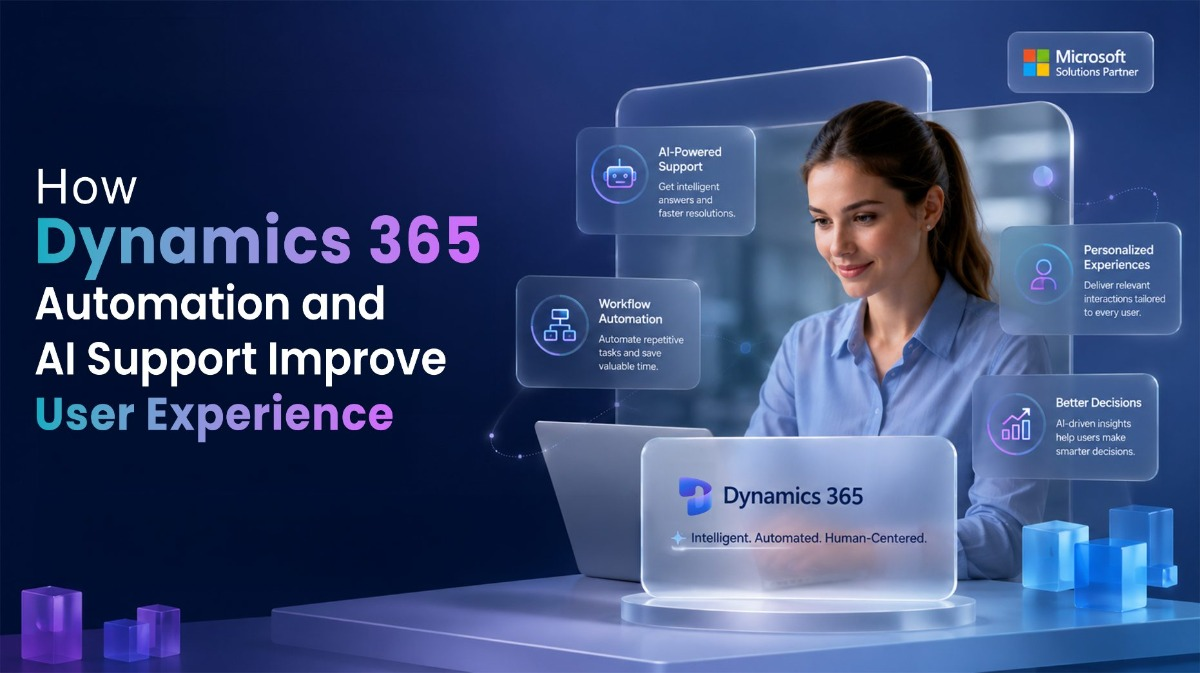
The true value of an ERP system isn’t reflected in its feature list. It’s reflected in how people experience it every day. As modern enterprises increasingly combine ERP capabilities with an AI data platform, delivering a seamless user experience has become essential to realizing the full value of both technologies.
An employee waiting for approval, a sales representative entering the same information twice, or a finance team navigating multiple screens to complete a routine transaction doesn’t see a powerful business application. They see delays, unnecessary effort, and processes that interrupt the pace of work. Over time, these seemingly minor inefficiencies shape user adoption, productivity, and even confidence in the platform.
This is why organizations are looking beyond traditional process optimization. They are investing in Dynamics 365 automation to remove repetitive work, simplify interactions, and create a more intuitive way of working across the enterprise. When combined with Dynamics 365 AI solutions, automation does more than accelerate workflows. It helps users make faster decisions, reduces operational friction, and transforms Dynamics 365 user experience from a daily challenge into a competitive advantage.
As expectations around enterprise software continue to evolve, improving user experience is no longer a secondary objective. It has become one of the strongest indicators of whether a Dynamics 365 implementation will continue delivering value long after go-live.
User Experience Has Become a Critical ERP Success Factor
Most organizations don’t question whether Dynamics 365 can support their business processes. The real question is how easily employees can work within the system every day.
A finance user approving invoices, a sales representative updating customer records, or a warehouse employee processing inventory transactions may perform hundreds of actions during a typical week. When those activities involve repeated data entry, unnecessary approvals, or navigating multiple screens to complete a simple task, small inefficiencies begin adding up.
The impact isn’t always immediate, but it becomes noticeable over time. Employees start relying on spreadsheets, creating shortcuts outside the ERP system, or delaying routine updates because the process takes longer than it should. Even a well-implemented solution can struggle to deliver its full value if everyday tasks feel unnecessarily complicated.
This is where Dynamics 365 automation plays a practical role. By reducing repetitive work and simplifying common business processes, organizations make the system easier to navigate and more efficient to use. The outcome is more than improved productivity. It is a better Dynamics 365 user experience that encourages adoption, supports consistency, and allows employees to focus on business priorities instead of repetitive system interactions.
Where Dynamics 365 Automation Delivers the Greatest Value
Many organizations begin their automation journey by targeting individual workflows. While this delivers immediate benefits, the greatest value comes from improving the complete user journey rather than isolated tasks.
Consider a typical sales process.
A sales representative creates an opportunity, updates customer information, requests internal approvals, generates documents, and coordinates with finance before an order is finalized. Each step may involve different users, notifications, validations, and business rules.
Without automation, these activities depend heavily on manual intervention.
With well-designed D365 automation solutions, much of this routine work happens automatically. Notifications are triggered at the right time, approvals follow predefined business rules, customer records remain synchronized across applications, documents are generated without manual effort, and users receive the information they need within their existing workflow.
The same principle applies across finance and operations.
Invoice approvals can move automatically through predefined authorization levels. Procurement requests can follow intelligent routing based on spending thresholds. Inventory updates, customer communications, and service requests can be initiated without requiring users to repeatedly perform the same administrative actions.
The objective is not to remove people from the process.
The objective is to remove unnecessary work from the people already responsible for it.
As organizations expand their use of Dynamics 365 automation, they often discover that the most valuable improvements are the ones users barely notice. Processes become faster, approvals become more consistent, and routine tasks no longer interrupt the flow of daily work.
AI Is Making Dynamics 365 Automation More Context-Aware
Automation has traditionally followed predefined rules. If a condition was met, the workflow executed. If it wasn’t, the process stopped until someone intervened.
Business processes are rarely that predictable.
Organizations deal with changing customer priorities, fluctuating demand, exceptions in procurement, incomplete records, and requests that require judgment rather than rigid business logic. This is where Dynamics 365 AI integration is beginning to reshape how automation is designed and executed.
Instead of simply triggering predefined actions, AI can interpret context, recommend the next course of action, summarize information for faster decision-making, identify anomalies, and assist users before delays or bottlenecks occur. The objective is not to replace business users, but to reduce the time spent gathering information before action can be taken.
This evolution is giving rise to AI-driven business automation, where workflows become more adaptive without compromising governance or business controls.
For example, customer service teams can receive intelligent recommendations while handling support cases. Finance users can prioritize exceptions instead of reviewing every transaction manually. Sales teams can spend less time updating records and more time engaging with customers. Across each scenario, AI supports the user without disrupting established business processes.
When implemented thoughtfully, Dynamics 365 AI solutions enhance the user experience by reducing unnecessary effort while keeping employees in control of business decisions.
Automation Alone Does Not Guarantee a Better User Experience
Deploying workflows is only one part of the journey.
Business processes change. Approval hierarchies evolve. New compliance requirements emerge. Departments introduce additional applications, and users expect systems to adapt without affecting productivity.
Without continuous refinement, even well-designed automations can become outdated.
This is why experienced organizations treat Dynamics 365 support services as an ongoing capability rather than post-implementation maintenance. Regular monitoring, workflow optimization, performance reviews, and user feedback help ensure that automation continues to align with business objectives instead of becoming another process that employees work around.
The same applies to AI-enabled capabilities. As organizations expand their use of intelligent automation, support teams play an important role in validating business rules, refining AI-assisted workflows, and ensuring that new capabilities continue to deliver practical value across departments.
Long-term success comes from improving how people interact with the platform, not simply increasing the number of automated processes.
Building Automation Around People Instead of Processes
One of the most common reasons automation initiatives struggle is that they are designed around workflows rather than the people responsible for completing them.
An automated process may satisfy technical requirements yet still create unnecessary complexity for the end user.
Successful organizations take a different approach.
Before introducing automation, they evaluate where employees spend the most time, where repetitive tasks create delays, and where users frequently switch between applications to complete a single activity. These observations help prioritize automation initiatives that deliver immediate improvements without disrupting established operations, especially when guided by experienced Dynamics 365 implementation services.
The result is a more intuitive Dynamics 365 user experience, where automation works quietly in the background while employees remain focused on higher-value activities.
This people-first approach also strengthens Dynamics 365 user engagement. Users are more likely to embrace the platform when it consistently simplifies their work instead of adding new layers of process.
Concluding Thoughts
The best automation is often the kind users hardly notice.
They simply complete tasks faster, spend less time navigating the system, and encounter fewer interruptions throughout the day. That shift may seem subtle, but across hundreds of users and thousands of transactions, it can transform the way an organization experiences its ERP platform.
Dynamics 365 automation is no longer limited to streamlining workflows. Combined with intelligent capabilities through Dynamics 365 AI integration, it is helping organizations build business applications that are more responsive, intuitive, and aligned with the way people actually work.
As organizations continue modernizing their operations, improving the Dynamics 365 user experience will be just as important as introducing new functionality. The companies that realize the greatest value from their ERP investment will be those that reduce everyday complexity, support their users with intelligent automation, and create systems that people genuinely want to use.
If your organization is looking to simplify business processes while delivering a better experience for every Dynamics 365 user, now is the time to rethink how automation and AI fit into your long-term digital strategy.




Latest Articles
 How to set up the electronics on a fishi…In Automotive
- SYFM Meaning Explained: Is This Texting …In Social Media
- How Much Working Capital Do You Need Acc…In Business
- What Does NM Mean in Text Message? Know …In Social Media
- Best Premium Laptops for Productivity &#…In Tech
- What Does ICL Mean in Texting? Meaning, …In Social Media
- What Does Igh Mean in Text? Decode This …In Social Media
- What Does GNG Mean in Texting? 2 Meaning…In Social Media