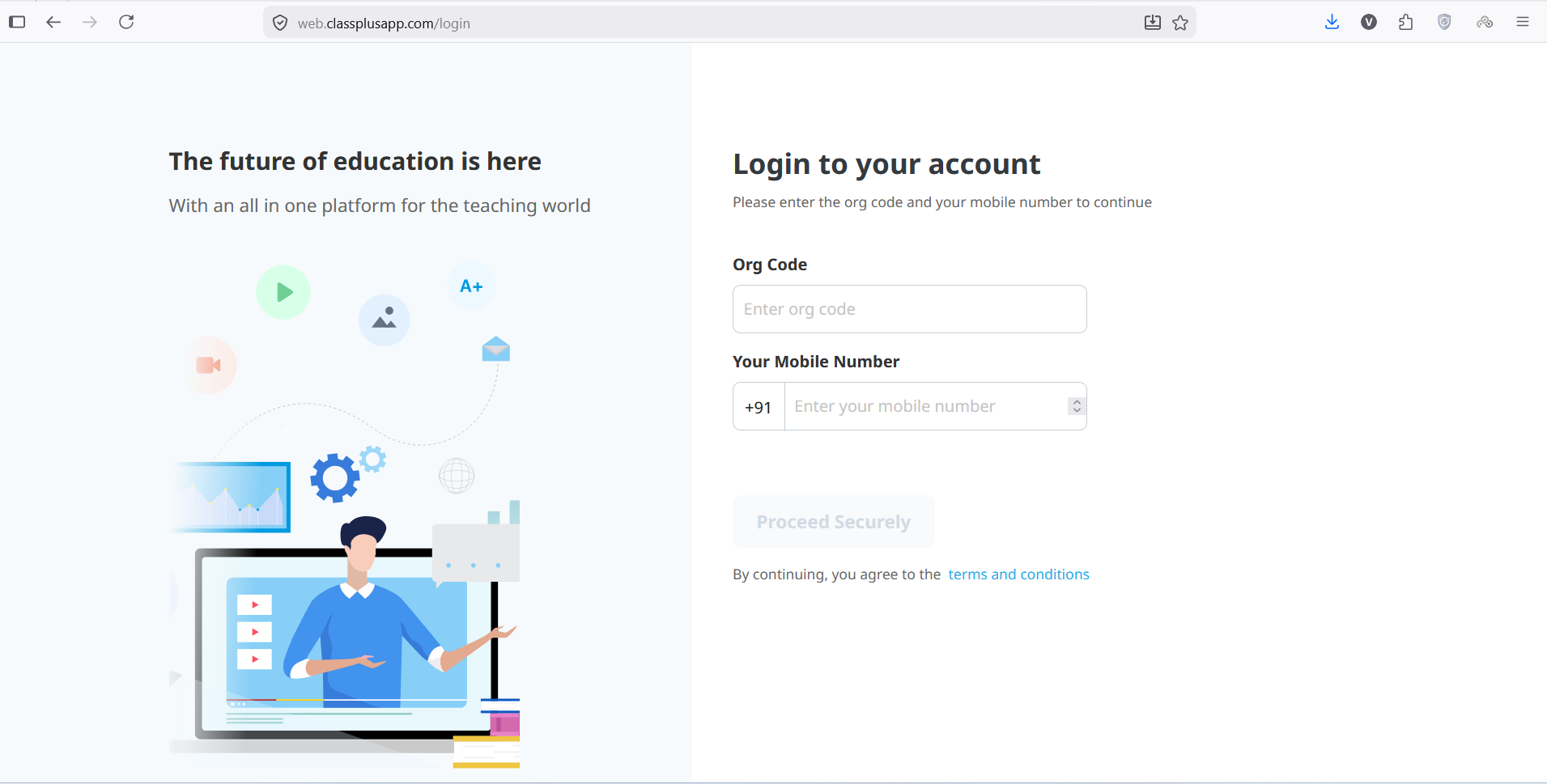
The education industry has changed more in the last few years than it did in decades. Students are no longer limited to physical classrooms, and teachers are no longer restricted to local batches. Everything is moving online, and if you are a tutor or coaching institute owner, adapting to this shift is no longer optional—it is necessary. This is where classplus web becomes a practical solution. Instead of juggling between different tools for teaching, attendance, payments, and content sharing, you get a single platform that handles everything in one place.
Built under the ecosystem of Classplus, this platform is designed specifically for educators who want to scale their teaching business without getting lost in technical complexity. Whether you are running a small coaching center or teaching thousands of students online, it helps you organize, deliver, and grow your classes in a structured way. In this guide, you will understand not just what classplus web is, but how it actually works in real teaching scenarios and why so many educators are shifting toward it.
What is Classplus Web?
It is a cloud-based teaching and coaching management platform. But in real terms, think of it as your digital classroom control room. From here, you can manage your students, upload lessons, track performance, and even handle payments—all without needing multiple apps or technical skills.
Unlike traditional teaching methods where everything depends on registers, WhatsApp messages, and manual coordination, Classplus Web brings structure and automation into your teaching system.
It is widely used by educators who want to move from offline coaching to a more scalable digital model. And the biggest advantage is that you don’t need to be “tech-savvy” to use it.
How It Improves the Teaching Experience
The biggest benefit of using a digital teaching system is how much it simplifies daily work. Imagine this: instead of sending notes separately on WhatsApp, collecting fees manually, and maintaining attendance in notebooks, you manage everything from a single dashboard.
You can:
- Upload recorded lectures once and reuse them
- Create structured batches for different student groups
- Share assignments instantly
- Track who is watching your lectures and who is not
- Send updates without repeated manual effort
This is why many educators say it feels like shifting from “chaos to control.”
Features of the Platform That Improve Teaching Efficiency
Instead of just listing features, it is more important to understand how they help in daily teaching.
1. Online Course Management That Feels Organized
You don’t just upload videos—you build a complete learning structure. Lessons can be arranged in a sequence so students follow a clear path instead of random content consumption. This is especially useful for competitive exam preparation and long-term courses.
2. Student Tracking That Reduces Guesswork
One of the biggest problems in offline coaching is not knowing which student is actually serious. classplus web solves this by showing you:
- Who is watching lectures regularly
- Who is skipping classes
- How much content each student has completed
This gives you real insight instead of assumptions.
3. Fee Management Without Stress
Money management is often the most sensitive part of coaching. Instead of manually reminding students or tracking payments in notebooks, everything becomes automated. Payments, reminders, and receipts are handled digitally, which reduces confusion and improves transparency.
4. Live Classes That Feel More Interactive
Live teaching is not just about video—it is about engagement. The platform allows you to interact in real time, answer doubts, and keep students involved during sessions. For many educators, this replaces physical classroom energy in a digital format.
Classplus Web Sign Up
Getting started is simple, but the process is designed to ensure that your teaching profile is properly structured from the beginning.
Step 1: Creating Your Account
To begin, you need to visit the official platform and click on the sign-up option. You will be asked to enter basic details such as:
- Name
- Mobile number
- Email ID
After submitting these details, an OTP is sent to your mobile number for verification.
This step ensures your account is secure and linked to your identity.
Step 2: Setting Up Your Teaching Profile
Once your account is created, the next step is setting up your teaching profile. This is an important step because it defines how your coaching setup will appear digitally.
You will be asked to add:
- Coaching or institute name
- Subjects or courses you teach
- Batch categories (beginner, intermediate, advanced)
- Branding details like logo or institute identity
This process helps transform your offline coaching identity into a structured online system.
Step 3: Why Proper Setup Matters
Many users skip or rush this step, but it plays a very important role later.
A properly structured profile helps you:
- Manage students more efficiently
- Create a professional learning environment
- Organize batches without confusion
- Build trust with learners
In short, the setup stage lays the foundation for smooth teaching operations.
Classplus Student Login Password
Getting started is simple, but the setup process is designed to make your teaching profile structured and professional from the beginning.
How Student Login Works
Students usually receive their login details from the institute after enrollment.
These credentials typically include a registered mobile number and a password created or shared by the educator.
Setting or Resetting Password
If a student forgets their password, they can use the “Forgot Password” option on the login page.
An OTP is sent to the registered mobile number to reset and create a new password securely.
Important Points to Remember
The login password is personal and should not be shared with others.
Keeping credentials safe ensures uninterrupted access to classes, notes, and recorded lectures.
How It Changes Daily Teaching Life
Once you start using classplus web, your daily workflow changes significantly.
Earlier, your day might look like:
- Sending notes on different apps
- Answering repetitive student questions
- Managing fee reminders manually
- Tracking attendance in registers
Now, it becomes:
- Upload once, share instantly
- Automate reminders and payments
- Conduct classes from one dashboard
- Monitor everything in real time
It reduces repetitive tasks and gives you more time to actually focus on teaching.
Who Benefits the Most From Classplus Web?
This platform is not limited to one type of educator. It is designed for anyone involved in structured teaching.
It works best for:
- Coaching institute owners managing multiple batches
- Private tutors shifting to online teaching
- Competitive exam trainers (like UPSC, SSC, NEET, JEE)
- Skill-based educators teaching courses online
- Small institutes trying to scale digitally
If your goal is to grow beyond local limits, it fits naturally into that journey.
Challenges You Should Be Aware Of
No platform is perfect, and being aware of limitations helps you use it better.
1. Initial Adjustment Period: If you are used to offline teaching, the digital shift may feel slightly overwhelming at first. But once you understand the dashboard, it becomes routine.
2. Dependence on Internet: Since everything runs online, a stable internet connection is necessary for smooth classes and uploads.
3. Student Behavior Shift: Not all students adapt quickly to digital learning. Some may take time to adjust to recorded lectures and online discipline. These challenges are normal and usually improve with time.
Tips to Use the Platform Effectively
If you want to get the most out of the platform, consistency matters more than complexity.
- Upload content in a structured manner instead of random posting
- Maintain regular live sessions to build engagement
- Track student analytics weekly, not occasionally
- Keep communication simple and clear
- Focus on quality teaching rather than just content quantity
These small habits make a big difference in long-term success.
Future of Digital Education
The education system is moving toward a hybrid model where offline and online learning coexist. Students now expect flexibility, recorded access, and personalized learning experiences. At the same time, educators need systems that reduce workload and improve efficiency.
Digital platforms are becoming the backbone of this transformation, helping educators scale their teaching businesses more effectively.
Wrapping Up
The shift from offline to online education is no longer a future idea—it is happening right now. Tools like classplus web are helping educators adapt to this change without complexity.
Instead of managing multiple tools and manual processes, you get a single system that organizes your teaching, students, content, and payments in a structured way.
If you want to grow your coaching business, improve student engagement, and build a scalable teaching model, this system can be a practical and long-term solution for your journey in digital education.
Frequently Asked Questions (FAQs)
Q1. What is Classplus Web used for?
It is used to manage online teaching, student batches, and digital course content in one platform. It helps educators conduct classes, track students, and handle everything in a simple digital system.
Q2. Is it beginner-friendly?
Yes, it is designed for both beginners and experienced teachers with a simple interface.
You don’t need technical skills to set up or run your teaching activities.
Q3. Can live classes be conducted on this Platform?
Yes, you can easily conduct live classes and interact with students in real time. It also allows doubt solving, screen sharing, and better engagement during sessions.
Q4. Does it support fee collection?
Yes, it offers online fee collection with automated tracking and payment reminders. This reduces manual work and makes financial management more organized.
Q5. Is it suitable for small coaching institutes?
Yes, it works perfectly for small tutors as well as large coaching institutes. It helps scale teaching operations without increasing complexity or workload.




Latest Articles
 Posts ThriftyEvents.net: What Is the Web…In Website
- GlobeInsightBlog Com: Website Features, …In Website
- Arattai App Review: What Makes It Differ…In App
- How to set up the electronics on a fishi…In Automotive
- SYFM Meaning Explained: Is This Texting …In Social Media
- How Much Working Capital Do You Need Acc…In Business
- What Does NM Mean in Text Message? Know …In Social Media
- Best Premium Laptops for Productivity &#…In Tech